 Hookie
Turn incoming data into context your agents can use.
Collect webhooks, listen to WebSocket feeds and bring in new database rows. Use workflows to shape the data into reviewed records and connected knowledge, then give your business AI agents the context each task needs.
Start ingestion free · No credit card · Workspace Brain on Pro and Team · Pro $10.00/mo
Prefer a terminal, or an AI agent? hookie manages your account and projects with everything the console can do. See the CLI, or let an agent sign itself up.
Collect
Webhooks, WebSocket listeners and PostgreSQL sources
Shape
Field mappings, typed tables and workflow enrichment
Connect
Reviewed records and relationships in Workspace Brain
Retrieve
Focused context for your AI agents and workflows
Focused context. Fewer tokens. Less work for your agent.
Start with a client, project or ticket and follow its relationships. Retrieve selected fields from related records, with limits on depth and response size. A smaller prompt can reduce input tokens and model processing time compared with sending whole datasets.
For business teams, SMBs and freelancers, the same pipeline can prepare a customer briefing, a support response or a client handoff. Field mappings, source provenance and human review help keep the context consistent and relevant.
From sign-up to your first stored event
Create an endpoint
Sign up free and create a webhook. It gets its own long, unguessable URL; the URL is the credential.
Send it anything
Paste the URL into Stripe or GitHub, point a form at it, or POST to it from a script.
Route and forward
Rules file each payload into a dataset you can search, and destinations forward it signed, retried and replayable.
curl -X POST https://app.hookie.ai/<workspace>/<project>/<webhook> \
  -H "Content-Type: application/json" \
-d '{"email": "[email protected]"}'See what changed, what needs you, and why a delivery failed
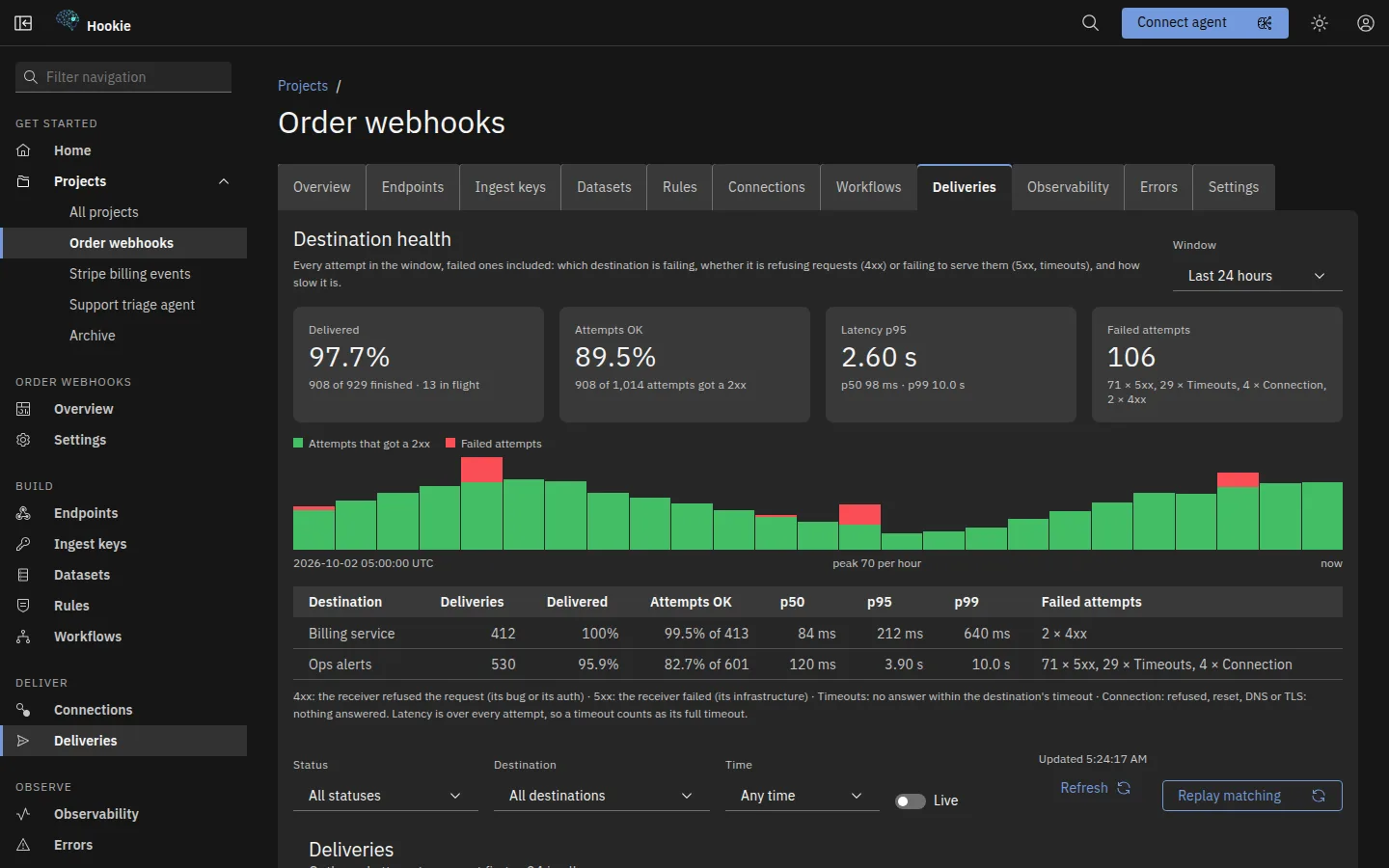
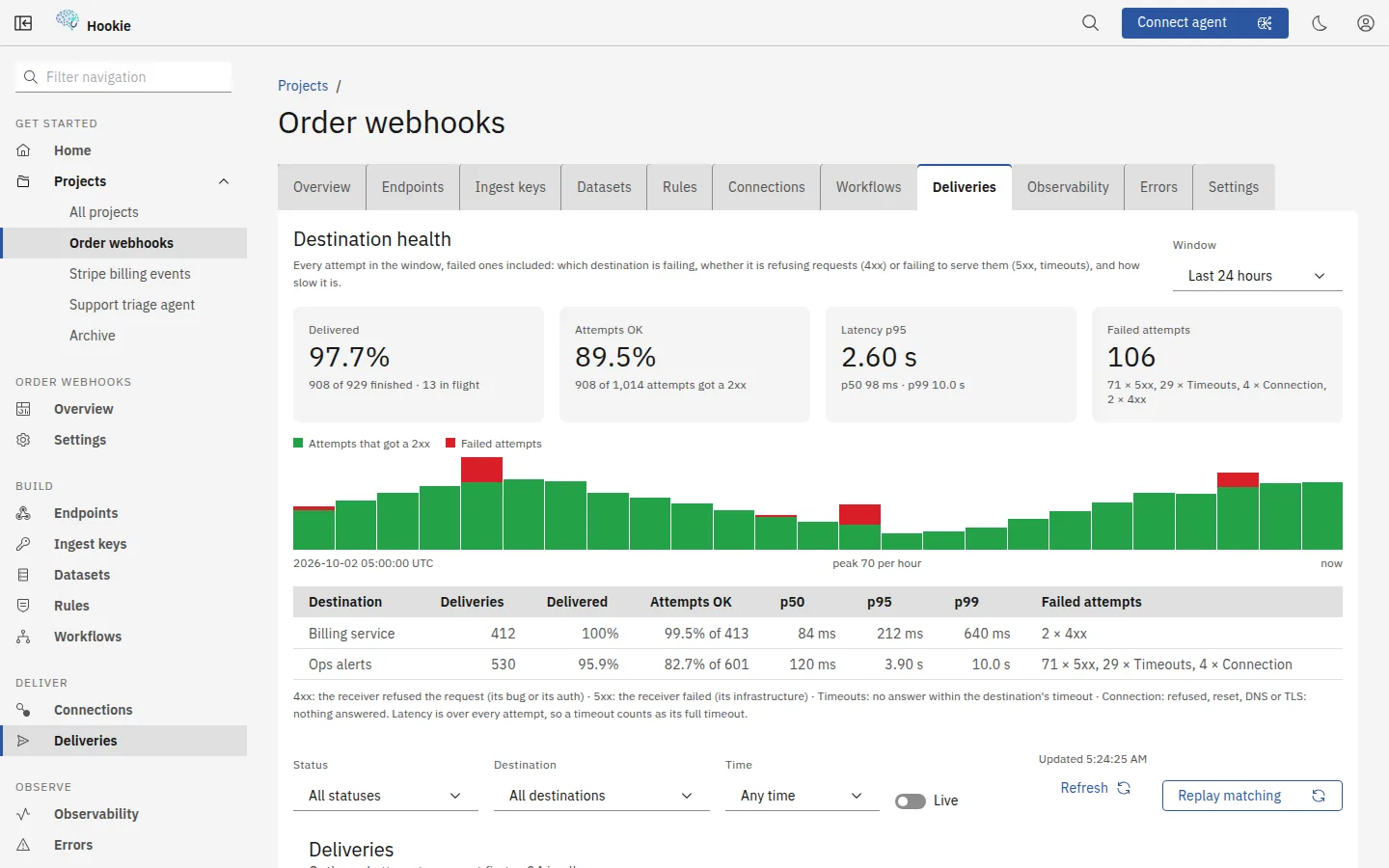
Home charts events, deliveries and AI runs across every project and lists what needs you. Inside a project, each delivery shows its status, the response your endpoint returned and how many attempts it took; replay one, or every failure in a window. Press / or ⌘K to jump anywhere.


Kept, filed, findable, forwarded
One URL per thing you collect
Each intake gets its own long, unguessable address — and the URL is the credential, so there is no key to rotate and no SDK to install. Add a required signature or an IP allowlist when you want a second lock.
Nothing quietly disappears
Every submission is written down whole the moment it arrives, before a single rule runs — so a routing change you make next month can't retroactively lose what came in today. Send it twice and idempotency hands back the original.
Filed into piles you named
Rules drop each message into a dataset you name — contact_us, uptime_alerts, nps_responses — keeping the whole payload or just the fields you care about. Leave the conditions empty and it catches everything.
Find it again in seconds
Every dataset is a sortable table you can filter by date or search by any text inside the payload — an email address, an error string, an order number. Export to CSV or XLSX when someone wants a spreadsheet.
Then send it where it belongs
Signed outbound webhooks push each new message to any HTTPS endpoint you run — retried with backoff for about a day, dead-lettered if the far side stays down, replayable with one click. Or tail the whole stream live.
Turn it into agent context
Map events into typed tables, connect related records in Workspace Brain, and retrieve selected facts before an AI step. People review the same knowledge their agents use.
Knowledge graphs, multi-step workflows with AI steps, WebSocket listeners and PostgreSQL sources are on the features page →
Webhooks, live feeds and database records
Stripe, GitHub and Shopify have step-by-step guides with signature checks; and here is how Hookie compares with Hookdeck, Svix and Formspree.
- Stripe, GitHub, Shopify and Slackprovider signatures checked before anything is stored
- Contact, lead and waitlist formsa plain <form method="post">, no JavaScript
- Uptime, error and CI alertsan incident history that does not scroll away
- Survey and feedback responsesrows you can sort, filter and export
- Your scripts, crons and databasescurl, a cron trigger, or a PostgreSQL table polled for new rows
- External WebSocket feedsinbound listeners filter and map live messages into your pipelines
- AI agentsover the API, the hosted MCP server and the CLI
Start with one source. Build the context you need.
Collect your first events on Free. Add a dedicated Workspace Brain with Pro or Team when you are ready to connect the knowledge.
Create your workspace