 Hookie
Use fewer input tokens
Start from a customer, ticket or project. Follow the relationships that matter and select the properties your agent needs. This focused context can reduce input tokens compared with sending full records and unrelated history.
Turn incoming data into records and relationships your agents can navigate. Hookie combines ingestion, workflows and a visual knowledge graph so people and AI can work from the same curated context.
Start ingestion on Free. Dedicated Workspace Brain and database sources are included with Pro and Team. Pro starts at $10.00/month.
Webhooks, WebSocket listeners and PostgreSQL sources
Field mappings, typed tables and workflow enrichment
Reviewed records and relationships in Workspace Brain
Focused context for your AI agents and workflows
A knowledge graph stores your records and the connections between them. Start with a known record, traverse selected relationships and return a bounded set of facts for the next task.
Start from a customer, ticket or project. Follow the relationships that matter and select the properties your agent needs. This focused context can reduce input tokens compared with sending full records and unrelated history.
Graph retrieval follows node IDs before loading record properties. Limit the depth, record count and response size to keep requests small. Smaller context can reduce data transfer and model processing time; the gain depends on your data, task and model.
Map incoming fields into a consistent structure, preserve source provenance and review the records people and agents use. Explicit relationships and curated inputs help ground answers in the right business facts.
Control traversal depth, relationship types, selected fields and response size. The response reports when a limit leaves information out, so your agent can request more context deliberately. Payload limits are measured in bytes; token use depends on the model and the text you send.
Connect the source, define the shape once, then reuse the pipeline. Webhooks, WebSocket listeners and database sources feed datasets that can populate your workspace tables.
Give each sender an endpoint. Receive events from your apps, forms and services, verify supported provider signatures, then map incoming fields into the datasets that feed your tables.
Set up a webhook →Connect to an external WebSocket feed, filter incoming messages and map them into a dataset. Those events can start workflows that enrich records and maintain your knowledge graph.
Explore workflow triggers →Read new PostgreSQL rows on a schedule using a cursor. Feed those rows into a dataset and your ingestion pipeline, with retry handling that keeps the cursor behind a row that could not be stored.
Connect a PostgreSQL source →Map fields into typed tables, add an AI or Agent step for enrichment, and create explicit relationships with a Knowledge graph step. Fetch agent context before an AI step and pass the result into its input. Preview mappings, inspect execution history and review conflicting edits to make the pipeline easier to verify and maintain.
Connect data and workflows →Use the table view to edit records and the graph canvas to explore relationships. Include or exclude whole tables and individual records from the Brain. Excluded data stays in its source table and is left out of graph discovery and agent context.
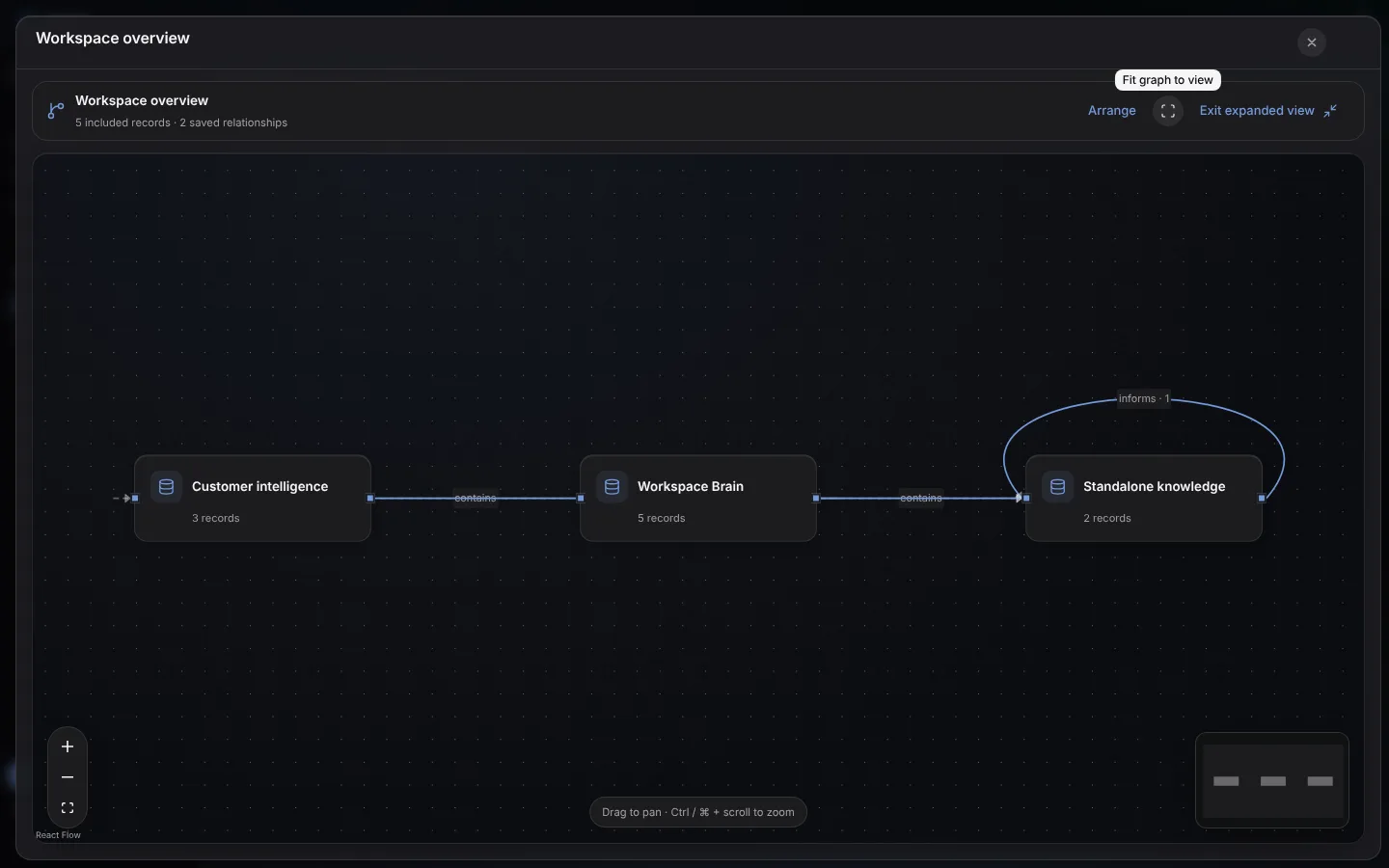
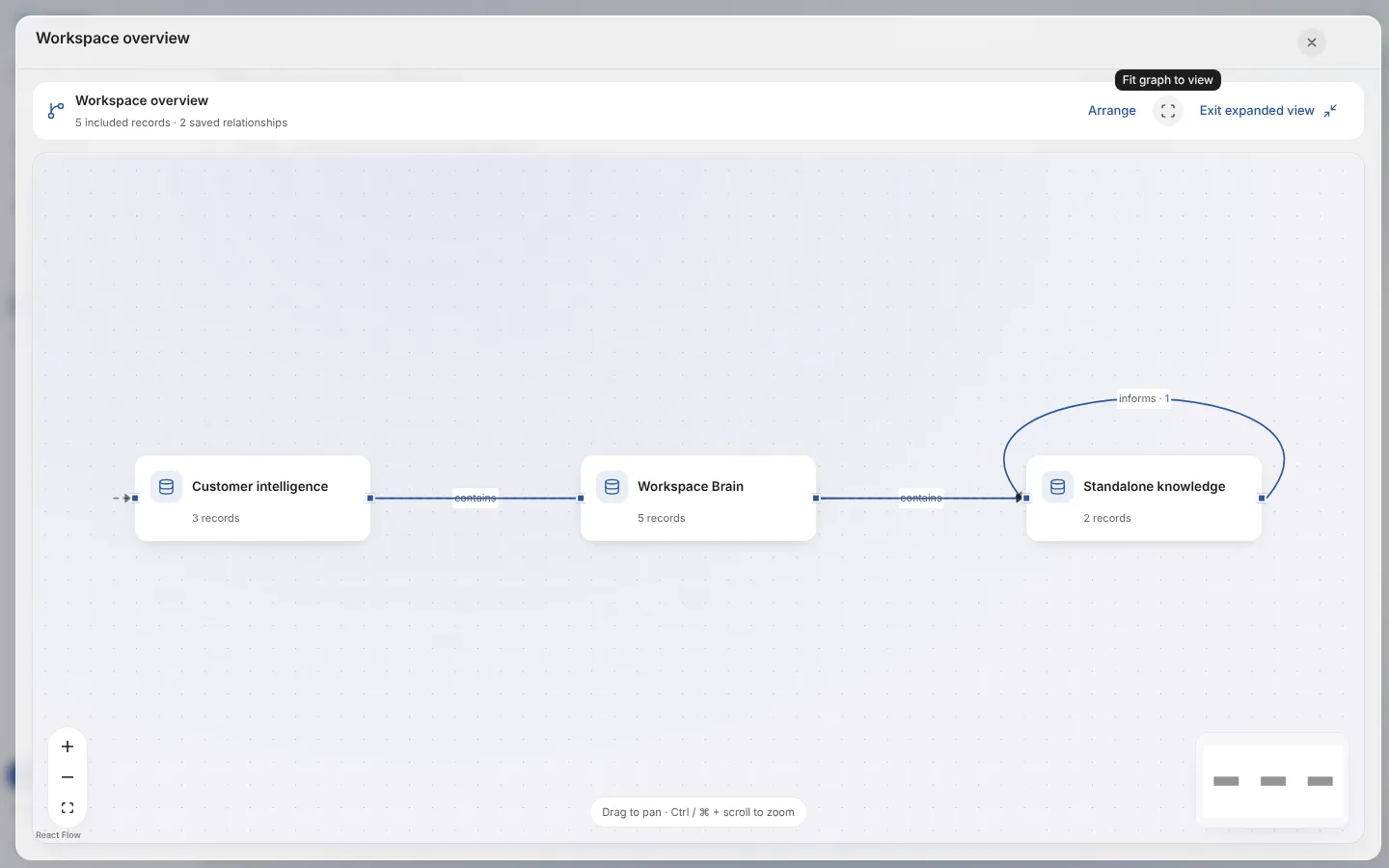
Table records are reflected in the graph. Define business relationships through the interface, workflows or API. Source provenance and revision checks keep changes traceable, with conflicts available for human review.
Connect a customer to orders, support requests and policies. A support or operations agent can retrieve the relevant relationships before drafting a response or proposing the next action.
Bring leads, customer updates and operational events into one workspace. Reuse a reviewed context pipeline for sales follow-ups, onboarding and support instead of rebuilding the data preparation for each agent.
Organize client briefs, project decisions and deliverables by their relationships. Prepare a client update or a handoff with the project's selected context, while keeping unrelated work out of the request.
Follow a client-context pipeline from intake to an agent briefing →
Start with one source, one table and one agent task. Review the facts and relationships, preview the context, then expand the pipeline as your business grows.
PostgreSQL sources run at their configured polling interval. Agent and workflow graph changes are queued and normally consolidate after about 15 seconds; check that a change is applied before a later task depends on it.