 Hookie
One pipeline, end to end
Capture, route, orchestrate and deliver every event — with the operational tooling to run it in production. Open anything below to read how it actually works.
Get an event in, keep it whole, and make sure it is the one you expected.
One URL per thing you collectA long, unguessable address per endpoint — the URL is the credential.
The public form is app.hookie.ai/{workspace}/{project}/{endpoint-slug}, and the slug is high-entropy and generated server-side. There is no key to place in a header, no SDK, and nothing to rotate on the sender's side: point a form's action or a provider's webhook field at it and you are done. A wrong URL is a plain 404, so probing tells an attacker nothing. A disabled endpoint answers 503 and says so, which providers retry rather than give up on; only whoever holds the URL can see it.
Write-only ingest keysSHA-256 hashed, shown once, with a default dataset for whatever no rule matches.
For the /v1/* routes, where a caller can set headers. The plaintext is returned exactly once at creation and only the hash is stored, so a leaked database gives up nothing usable. A key belongs to one project, can require a signature and can be limited to an IP allowlist. POST to /v1/ingest/{key}/{dataset} to name a dataset, or leave it off and let the project's rules route the event; an event no rule matches is stored whole in the key's default dataset, so nothing a key sends is left out of your datasets.
IdempotencySend an Idempotency-Key and retries are free.
The same key within the window returns the original submission instead of creating a second one — so a client that retries on a timeout, or a provider that fires twice, cannot double-count. The uniqueness is enforced by the database, not by a check-then-write, so two simultaneous retries still resolve to one row.
Provider signatures and IP allowlistsVerify Stripe, GitHub, Shopify, Slack, Standard Webhooks or any HMAC before storing; restrict by CIDR.
Give an endpoint its provider's signing secret and the signature is checked over the raw request before anything is stored or counted: a missing, forged or stale one gets a 401 that says which, and an audit entry. The secret is encrypted at rest and never shown again, and rotating it keeps the old one working through an overlap while the provider switches. Allowlists apply per endpoint or key, per project and per workspace, and an empty list means everything — so you can tighten one integration without touching the rest. Edge rate limiting sits in front of all of it.
File every message into a pile you named, without losing the original.
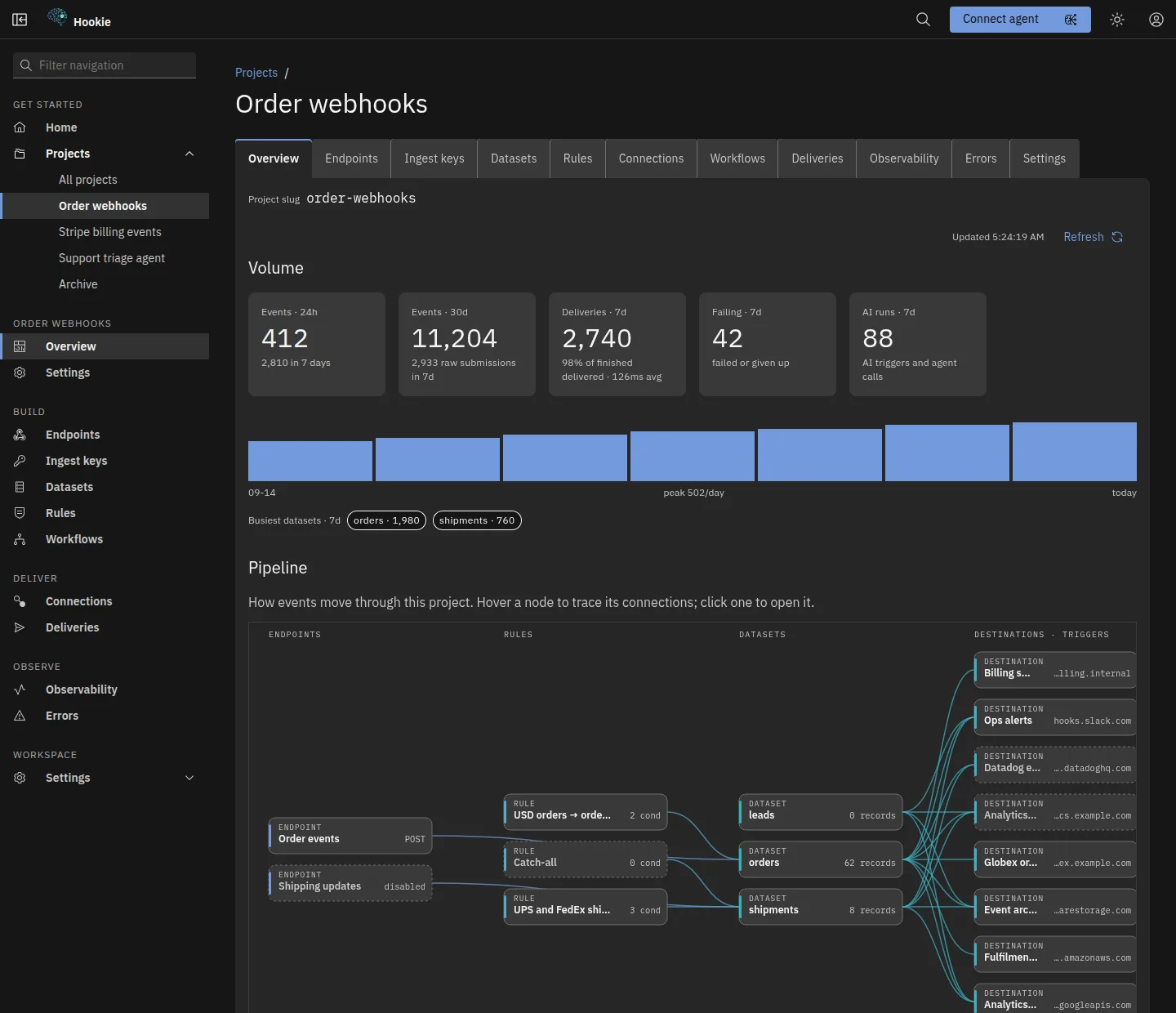
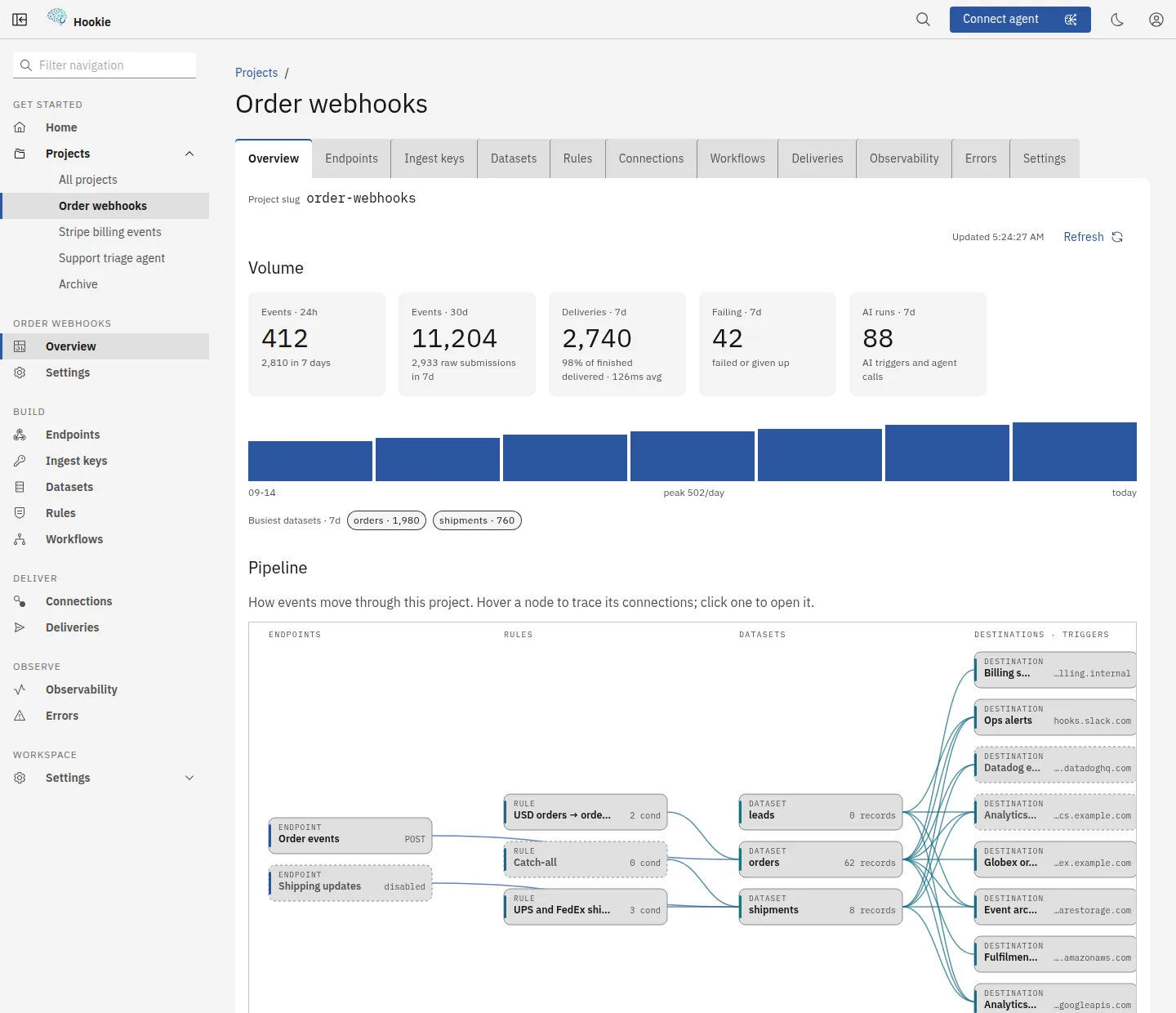
Raw capture first, alwaysThe payload is stored verbatim before a single rule runs.
Submissions are written whole on arrival, then routed. That ordering is the whole point: a mapping you change next month cannot retroactively lose what arrived today, and a rule that turns out to be wrong is a re-route rather than a data loss.
Filtered events are kept, and listedWhat an endpoint's criteria reject, or no rule can route, is flagged rather than dropped.
An event that fails an endpoint's own criteria is stored anyway and answered 201 with filtered: true, so the sender does not retry it, and it is not handed on to rules, deliveries or workflows. One that could not be routed is kept too. Both are listed on the project's Errors tab, so a criterion that is too strict shows up as a list you can read rather than as traffic that quietly stopped.
Rule engineMatch on any JSON path, map fields into a dataset you named.
A rule is conditions plus mappings. Empty conditions match everything and empty mappings keep the payload unchanged, so the simplest useful rule is two empty lists. Datasets are a generic store rather than real tables, so naming one costs nothing and there is no migration to run.
Versioned endpointsShip a v2 mapping without breaking v1.
Each endpoint carries a readable base slug and a version. A new version is a new public URL with its own mapping, so you can move senders across one at a time and retire the old one when the traffic stops.
Provider presetsRecommended routing and validation for Stripe and GitHub.
Pre-filled conditions and mappings for the providers whose payload shapes are worth not re-deriving, plus the notes on what each one signs and how.
Multi-step, event-driven workflows — with no queue or state store of your own.
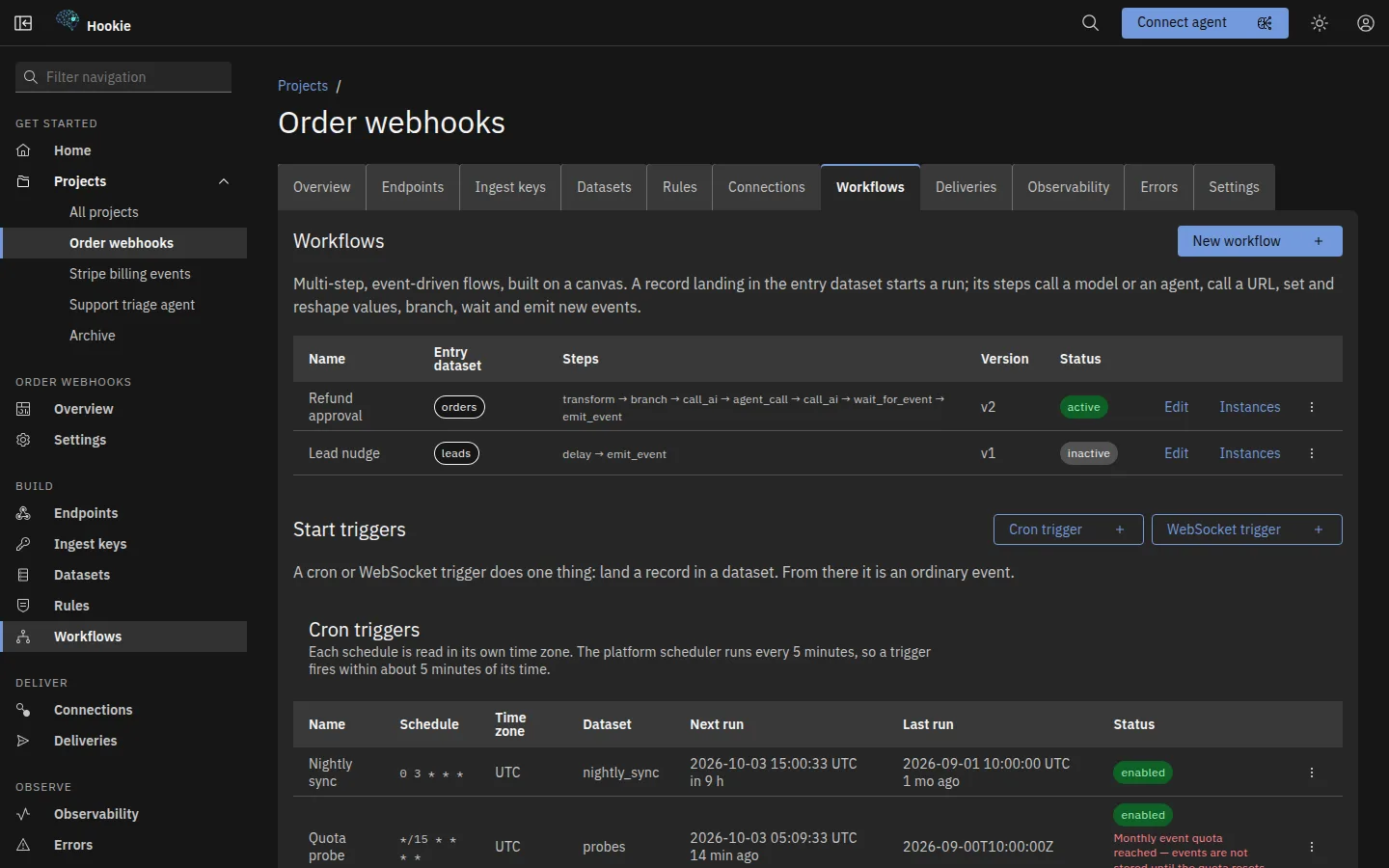
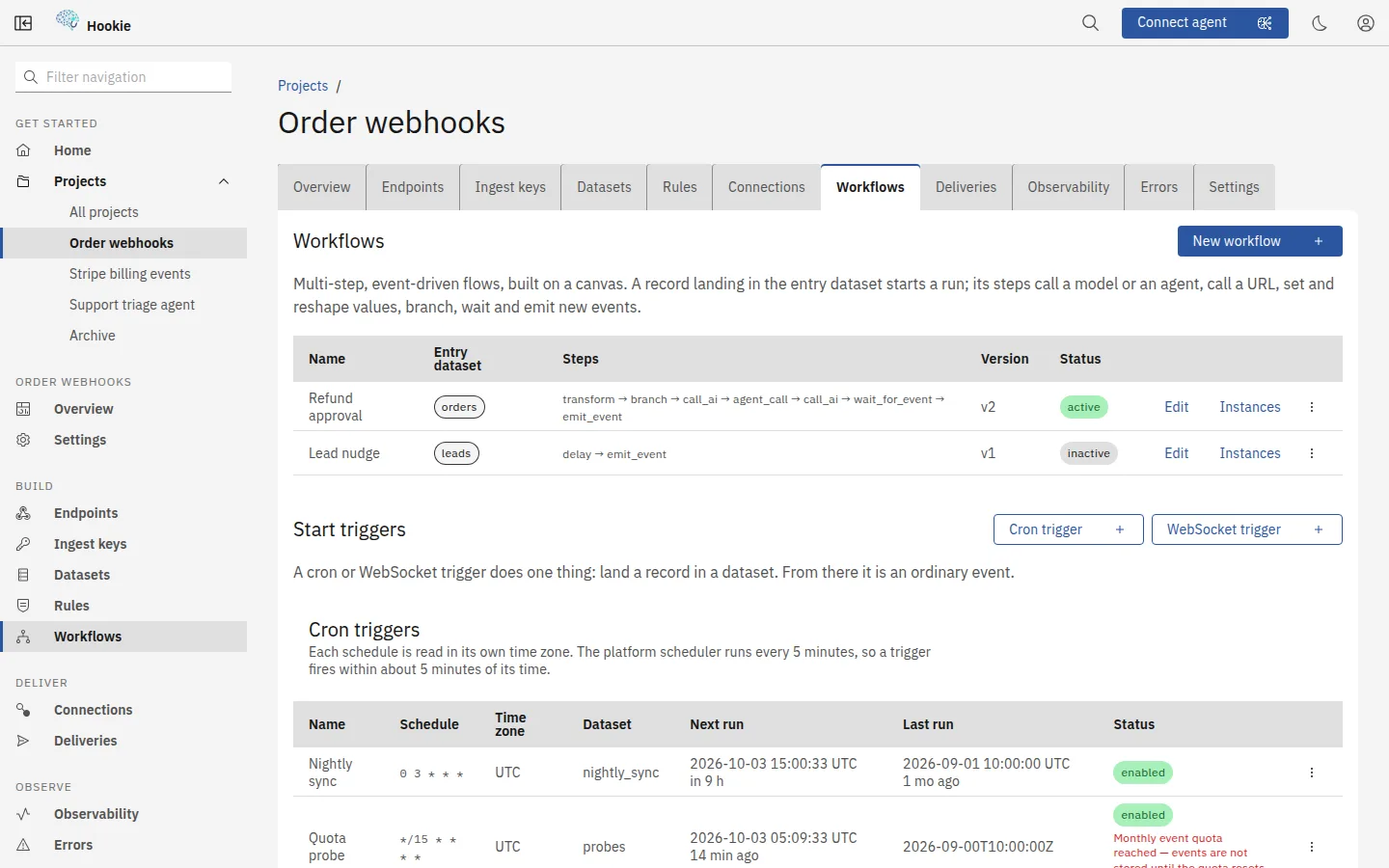
A canvas, an edit panel and the JSON behind themOne visual editor, with a read-only view of exactly what Save sends.
Drag steps from the palette, or add and connect them from the keyboard, then fill each one in from its panel: dataset pickers, an AI-agent dropdown and condition rows. Unconnected steps and missing fields are flagged on the canvas before you save. The Definition (JSON) panel shows the stored definition read-only; to edit it as JSON, use the API, the CLI or an MCP agent, which read and write that same object.
Branching, waiting and delayif/then/else nested up to three levels, plus human-in-the-loop pauses.
Branch on a dataset field or on what an earlier AI step decided. A wait step parks the instance until a matching record arrives — an approval, a confirmation, a callback — with a timeout so it cannot hang forever. Note the asymmetry the editor enforces for you: entry conditions read the raw record, a branch reads the instance context.
Live instance diagramsPick a run and the builder's graph shows each step's status.
Every step shows its status from that run's history: completed, running, waiting, failed or skipped. A per-step table under the graph gives each step's times, result and error: the branch arm it took, the record it wrote, the model and tokens it used, with a sample of its input and output (credentials redacted). The record that started the run links to its full chain, and the run can be cancelled or retried from the same view.
AI agents and triggersReusable LLM personas you call from a workflow — or fire directly on an event.
An agent is a model from a curated Workers AI list, a system prompt and an optional memory dataset: each answer is written there and its latest five are recalled on the next call. It makes one model call per step, bounded to 1,024 output tokens, and does not call tools. Call one from a workflow, or create an AI trigger on the Workflows tab to run a model on every matching record when a full workflow is more than you need.
Send it on, prove you sent it, and send it again when you need to.
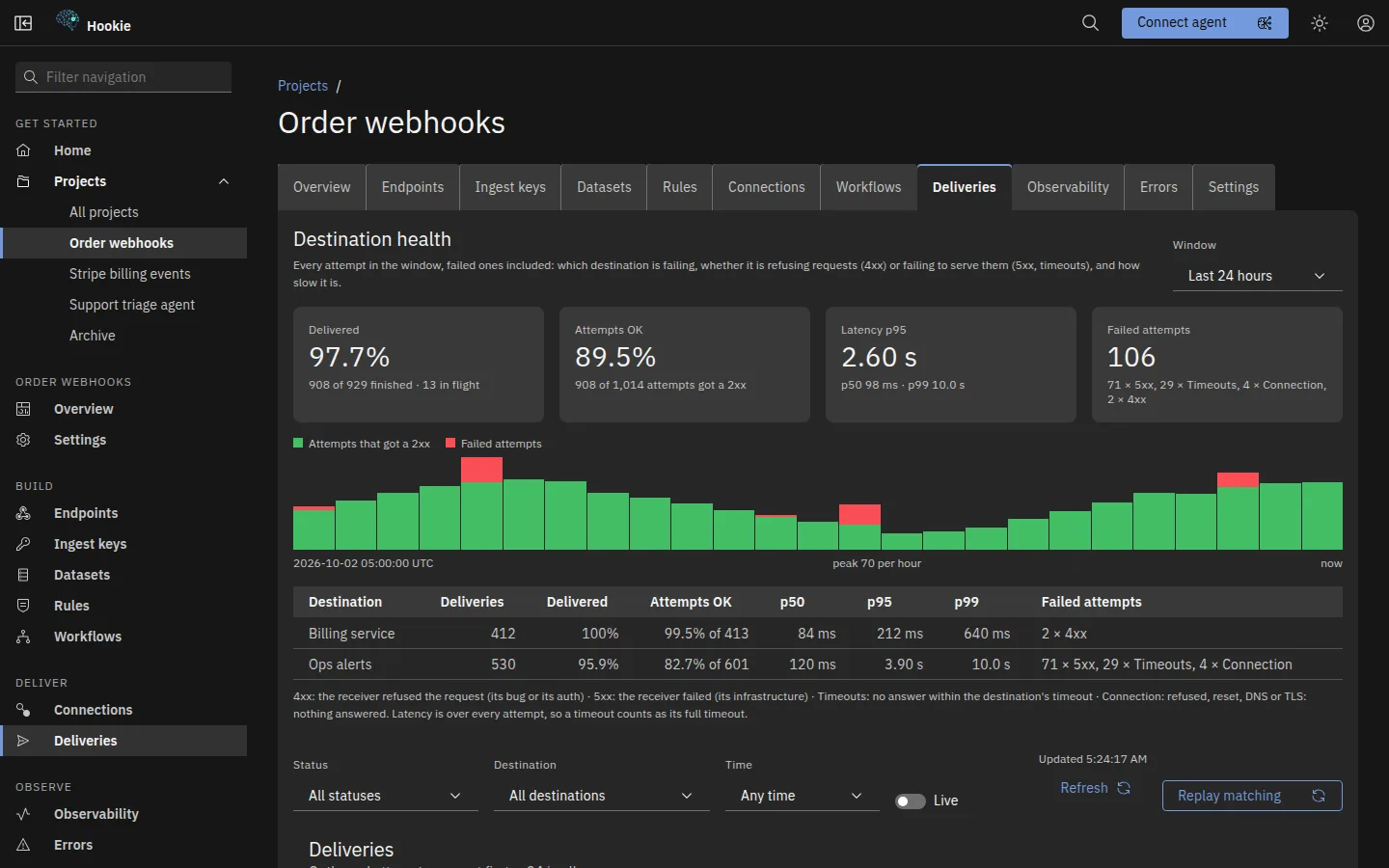
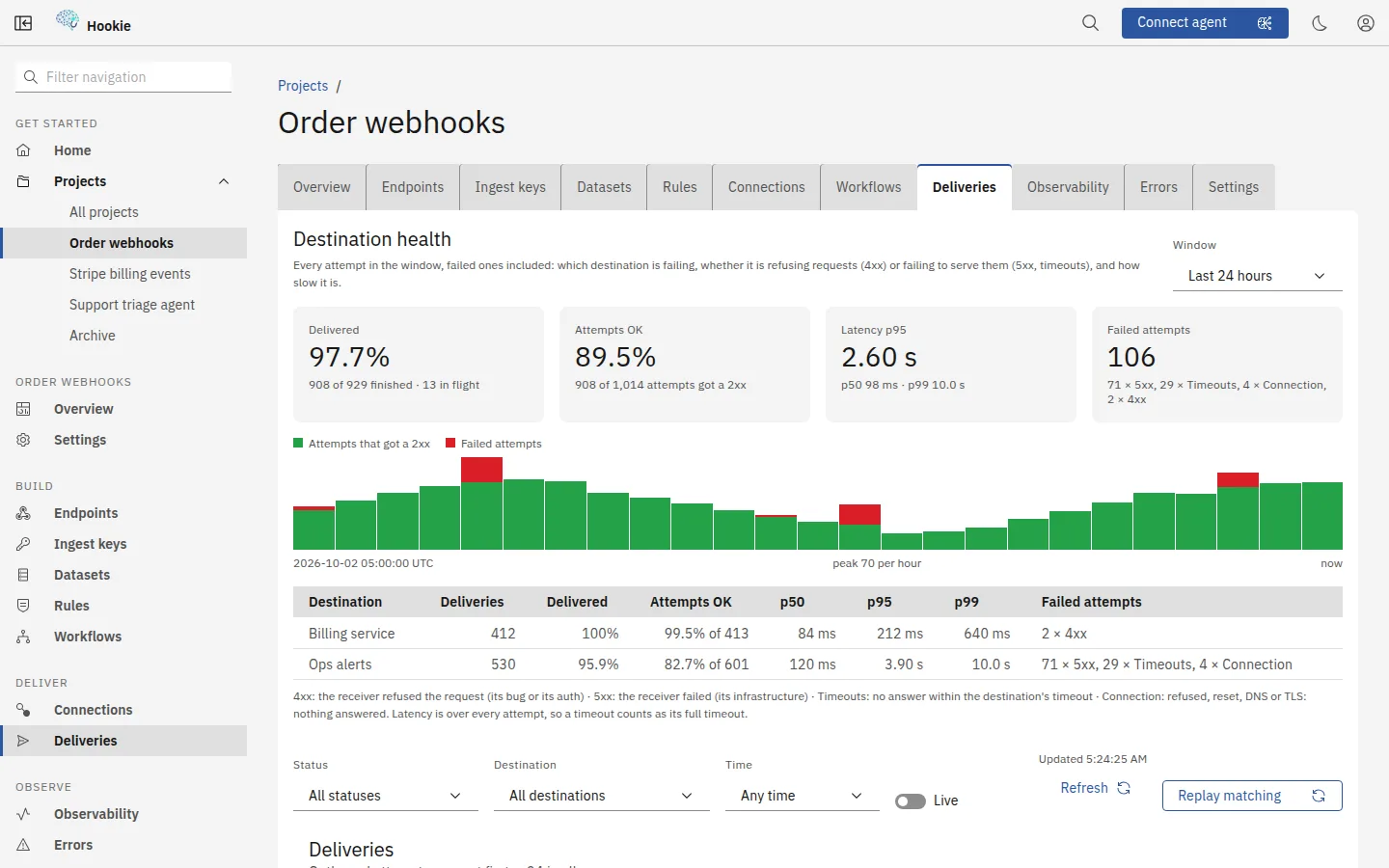
Signed outbound webhooksHMAC-signed, retried with backoff, dead-lettered when the far side stays down.
Each destination has its own secret, and the signature covers the body and a timestamp so a receiver can reject a replayed request. A failed delivery is retried over about a day — seconds apart at first, hours apart by the end, and never sooner than a receiver's own Retry-After — and one that exhausts its attempts is marked dead rather than disappearing.
Slack and object storagePost a readable Slack message, or write each event to an S3, R2 or GCS bucket.
A destination can be a Slack incoming webhook instead of an HTTPS endpoint: each event arrives as a message with its dataset, event id and payload, or as your own template. Or it can be an S3-compatible bucket — AWS S3, Cloudflare R2, Google Cloud Storage — where each event is written as one JSON object under its dataset and date, signed with AWS SigV4; a retry or a replay overwrites the same object. Both retry, replay and show in the delivery log like any other destination, and the Slack URL and the secret key are stored encrypted and never shown again.
Queues and topicsSend each event to an Amazon SQS queue or a Google Cloud Pub/Sub topic.
A destination can be an Amazon SQS queue: each event is one message, signed with AWS SigV4, with its event id and dataset as message attributes; on a FIFO queue it is deduplicated by event id and ordered per dataset, and a message over SQS's 1 MiB limit fails with a clear error instead of being cut short. Or it can be a Google Cloud Pub/Sub topic: each event is published as one message, authenticated as a service account whose JSON key you scope to Pub/Sub Publisher. Both retry, replay and show in the delivery log like any other destination, and the secret key and the service-account key are stored encrypted and never shown again.
ReplayRe-send any past delivery, from the console or the CLI.
A replay is a new delivery against the same destination and event, so the original attempt's history stays intact, and it shows up in that event's trace alongside it. The CLI can replay a whole window — every failure in the last hour — sending each event once per destination and leaving anything still in automatic retry to finish.
Live streamTail events over SSE or WebSocket, with resume and server-side filters.
Filter by project and dataset at the server, resume from where you left off inside a 1,000-event window, and get an explicit gap marker when you have fallen outside it. The stream is best-effort by contract — the delivery queue is the durable guarantee — and it says so rather than letting you mistake a quiet tail for a quiet day.
Customer-facing portalAn embeddable, token-authed portal for your own end customer.
Each portal serves one customer: they manage their own destinations and inspect their own deliveries, without an account on your console, and receive every event of the datasets the portal exposes. Serving several customers means one project and portal each, and Hookie refuses a second customer on a portal so their data never mixes.
Find anything, prove what happened, and control who can do what.
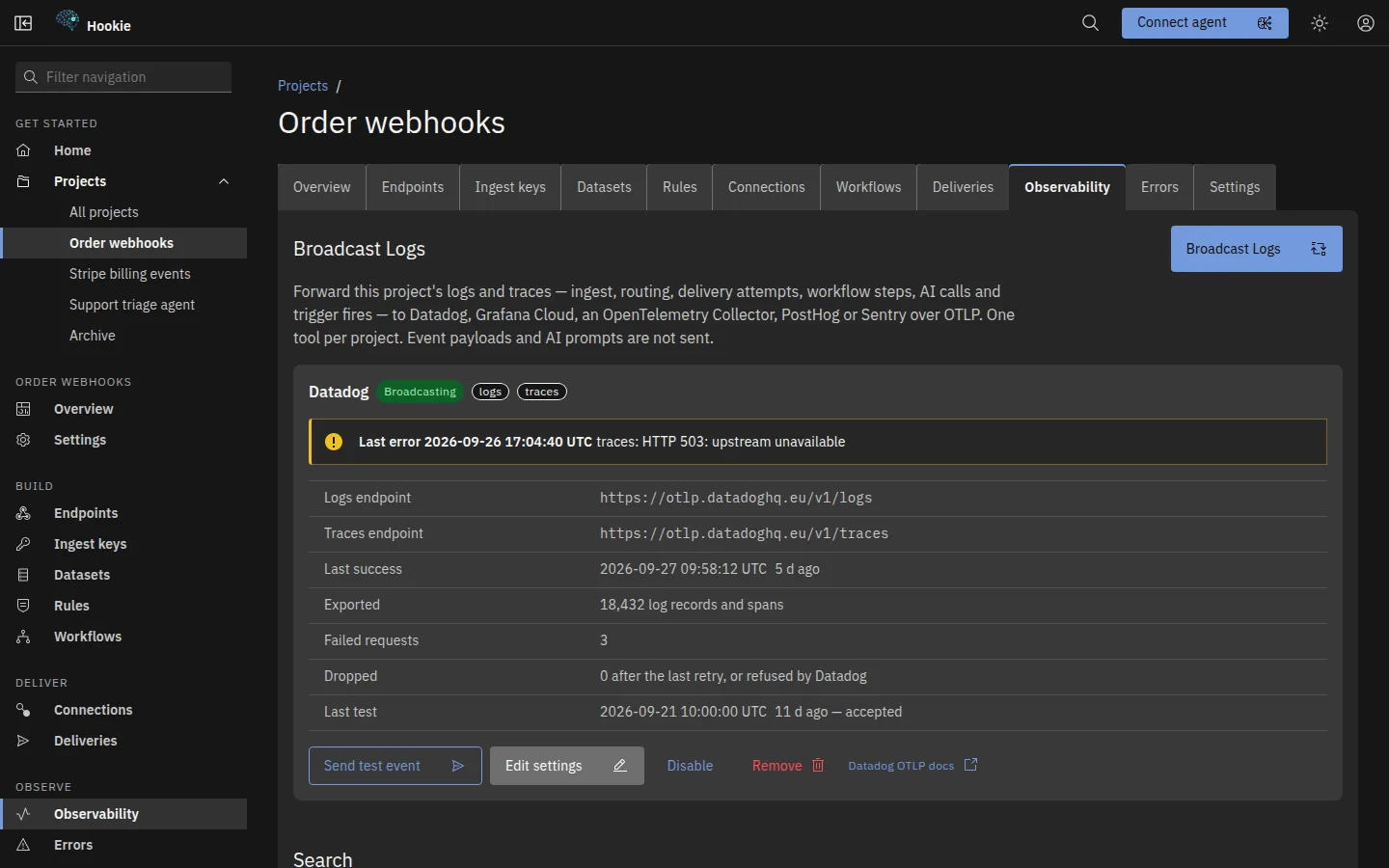
A Home that shows what changedEvents, deliveries and AI runs across every project, against the previous period.
Home charts the last 24 hours, 7 days or 30 days, each with its change on the period before, counted in the database rather than sampled, alongside the delivery error rate and this month's usage against your plan. Above the charts, Needs attention lists what wants you now: a destination that keeps failing or was disabled automatically, with Re-enable beside it, and a limit you are close to. One search box reaches any project, page or setting, and the pages you opened last are a click away.
Search and correlationFilter any of the four, then follow one id across the entire pipeline.
Events, the raw submissions behind them, deliveries and AI runs are each searchable on their own terms. Correlating an id stitches the chain back together: the submission that arrived, the records it produced, every delivery those triggered and every AI run they caused.
Datasets you can exportBrowse routed records as a sortable table; export to CSV or XLSX.
Save a view per endpoint — which columns matter for that integration — and hand the result to whoever asked for a spreadsheet. The export is generated in the browser with no server round trip and no third-party service.
Team members, roles and an audit logOwner, admin, developer, viewer; invite teammates by link; every mutation recorded.
Invite a teammate with a link for one role: Hookie sends no email, so you copy it and pass it on, and it works once within 7 days. Change roles, remove members or hand over ownership from Settings → Members, and switch between the workspaces you belong to. An owner can link the workspace to the company's Google Workspace domain, so colleagues who sign in with Google join it as a viewer or developer. Each API key carries its own role too, and a connected agent is capped at the scopes you grant it and never exceeds your own role. The audit log is append-only and filterable, with CSV export — it cannot be edited or deleted from the product at all. Sign in with a code emailed to you, GitHub or Google; SAML and OIDC single sign-on are planned but not available yet.
Multi-tenant isolationEvery read, write and delete is scoped to your workspace.
Scoping is applied in the query layer rather than trusted from a request, and cross-tenant isolation is asserted by its own integration suite on every commit — not as a policy but as a test that fails.
Connect a coding agent and let it build the pipeline, bounded by what you granted.
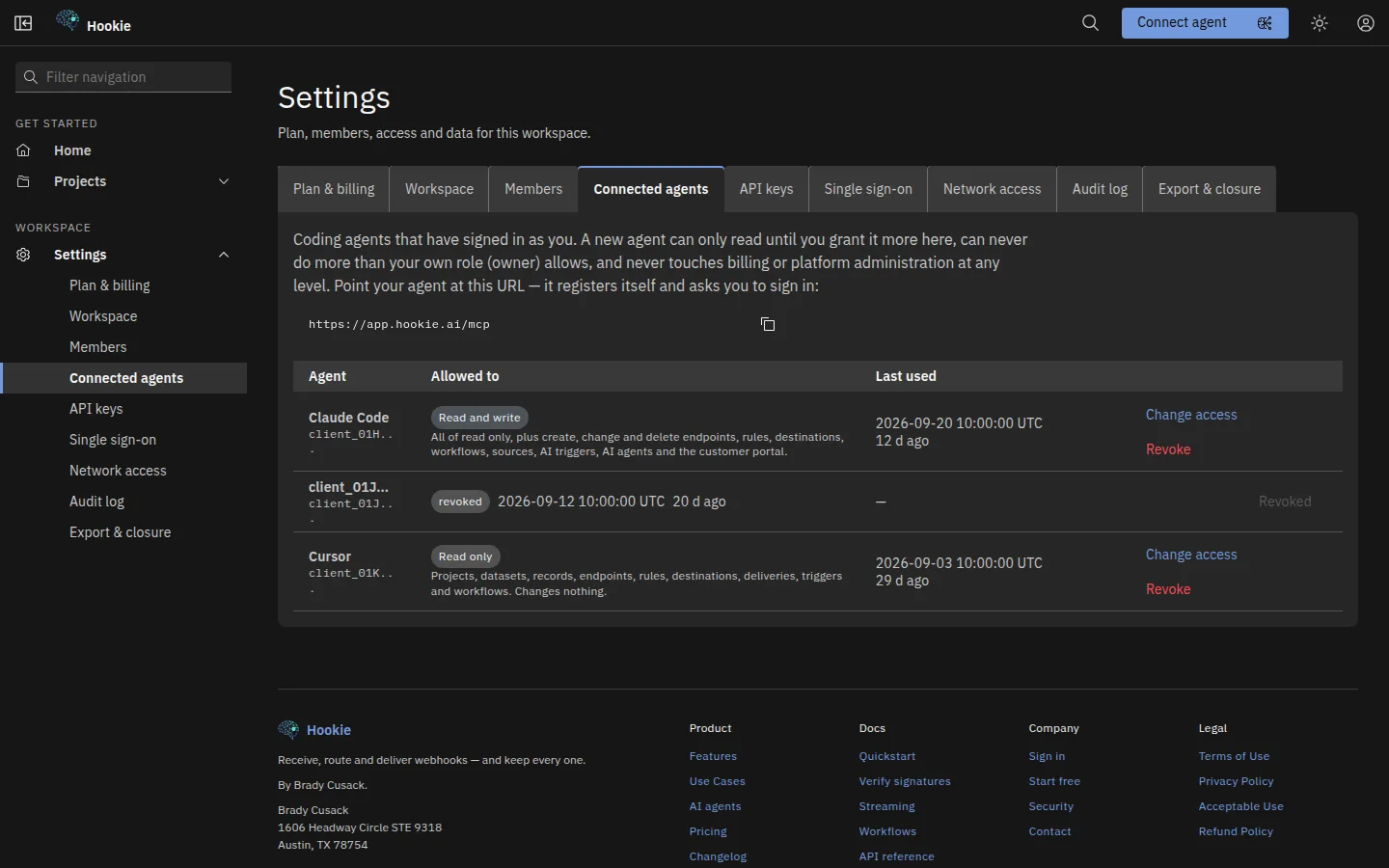
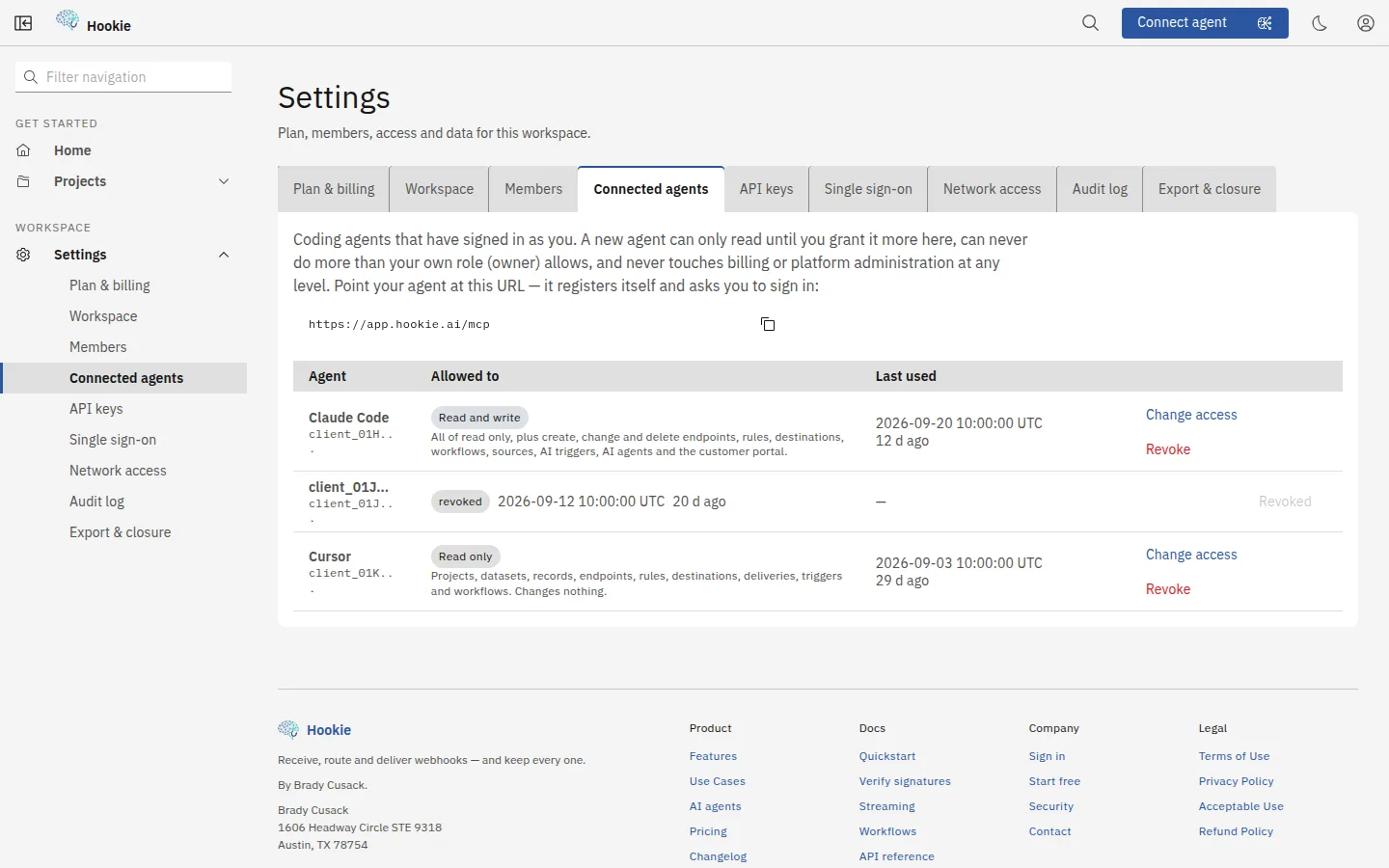
Connected agents over OAuthPoint your agent at /mcp — it registers itself and asks you to sign in.
Standard OAuth with PKCE and dynamic client registration, so there is no key to paste anywhere. An agent acts as you and can never do more than your own role allows, billing is out of reach at every scope, and revoking one is immediate rather than waiting for a token to expire.
A CLI built from the same catalogManage your account and projects from a terminal, a script or an AI agent.
The CLI's commands are generated from the same tool catalog an agent gets, so the console, your agent and your terminal are one API. `--json` on everything, real exit codes, and a hookie.yml you can review in a pull request.
See the CLIStart with one endpoint
Free tier included. No credit card, and nothing to install.